
In this article is explained how you can change the language of the platform to Dutch, English, Italian, Spanish, Germand and French!
From your homepage go to the upper right corner, hit the field and a list of options will appear.
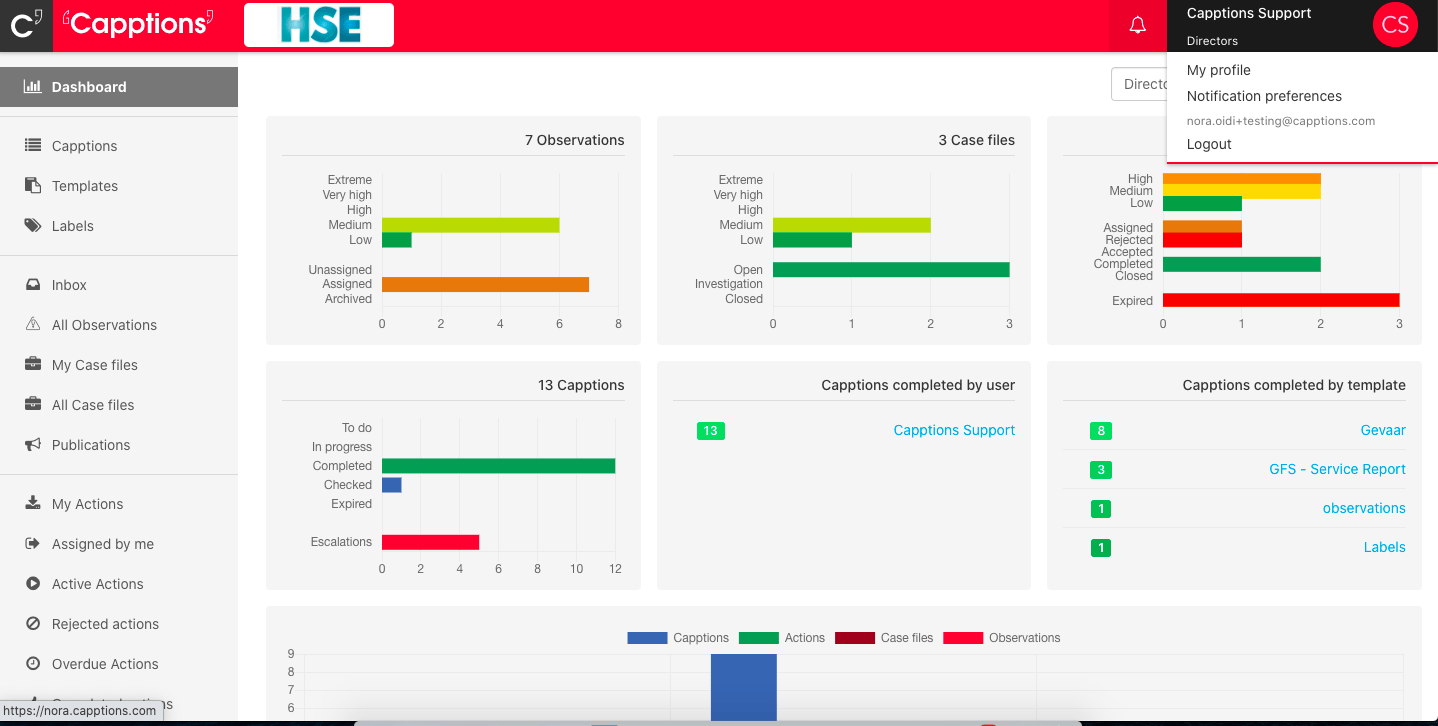
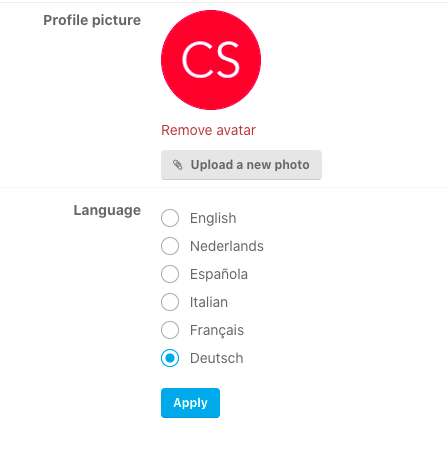
Hit: My profile and choose the preferred language. Save your setting by hitting  and it will change to the language of choice!
Was this article helpful?
YesNo
Related articles
- Notification preferences
- What app version am I on?
- Events that trigger notifications
- Platform Overview
- ‘Show only if’ - Conditionally showing sections