
It is not possible to delete a template. However, it is possible to archive the template so it isn’t visible in your overview. Follow the next steps to achieve this:
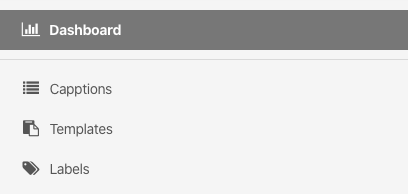
1. Go to ‘Templates’ from your home screen.
2. Click on the specific template you want to delete.
3. Click in the upper-right corner on ‘Options’ and a list of options will appear.
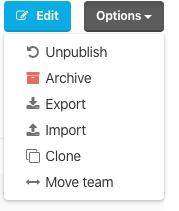
3. Unpublish the template before archiving. Without unpublishing the template it is not possible to archive it.
Was this article helpful?
YesNo
Related articles
- Create a template
- Create a template: Formulas
- Create a template - Sections and Questions
- Assign a template
- How to upload translations for a template