
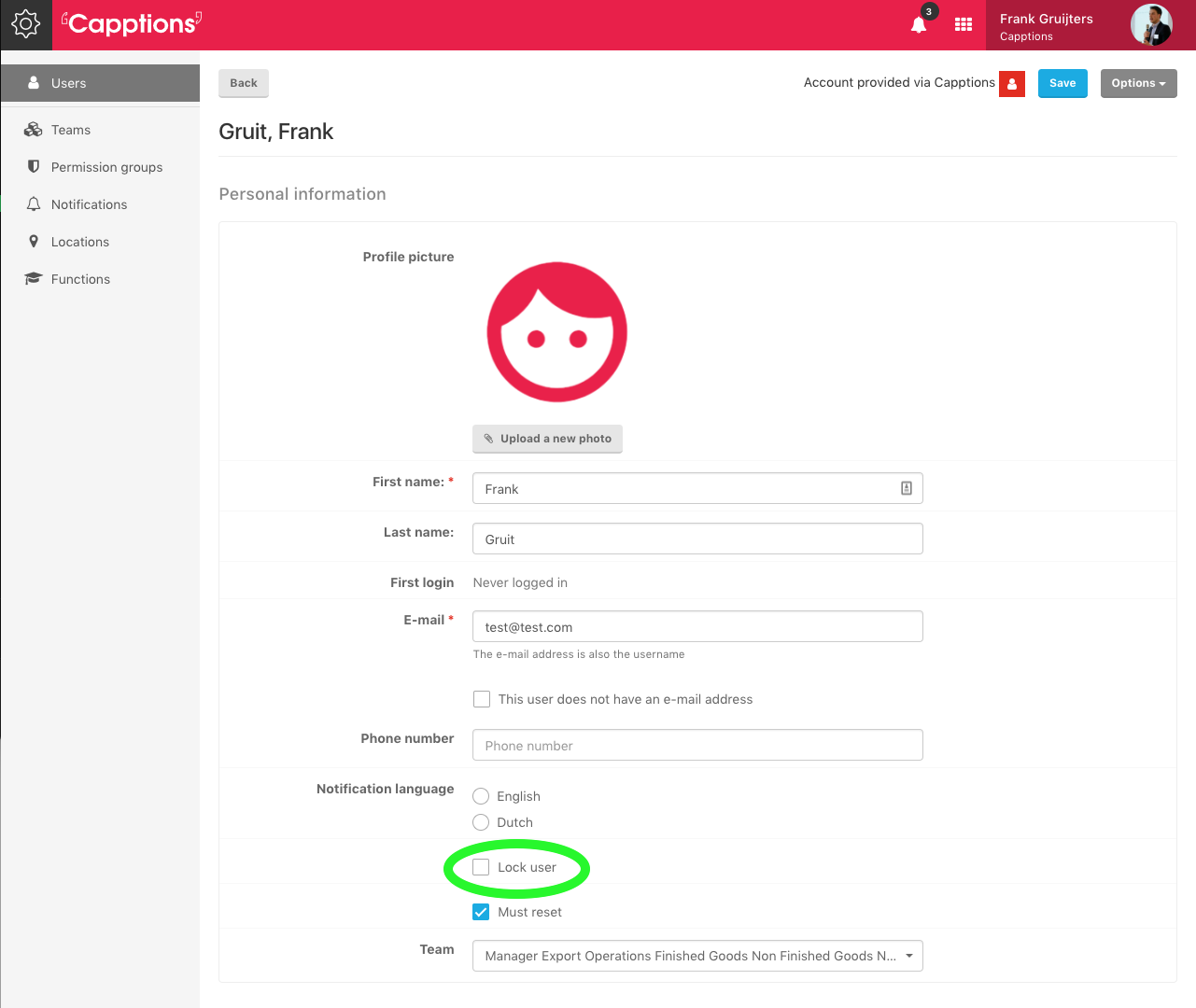
If you want to prevent a user to login in the future, you can lock their account. Scroll down in a user’s profile until you see a checkbox with lock user.
If a user is locked an admin can undo this by unchecking the box. Don’t forget to hit ‘save’ in the top right corner!
Was this article helpful?
YesNo
Related articles
- Notification preferences
- Add users
- Events that trigger notifications
- Password reset by admin user
- What app version am I on?