
When a change has been made in a Capption and you need the most current version of the report, follow these steps to regenerate the PDF..
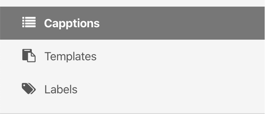
From your homescreen go to the left-side bar and hit Capptions:
Open the Capption report you want to regenerate.
Hit the Options button in the upper right corner:
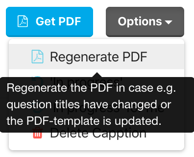
Click on Regenerate PDF and wait for the report to generate.
Was this article helpful?
YesNo
Related articles
- From an observation to a case file
- How do I delete a picture from a PDF report?
- Show actions in PDF
- My photos are not in the PDF report
- Show a complete inspection in a case file