
If you accidentally deleted a case file or just want to restore one, read this article to know how to do this.
Go from your homepage to the case files in the left sidebar
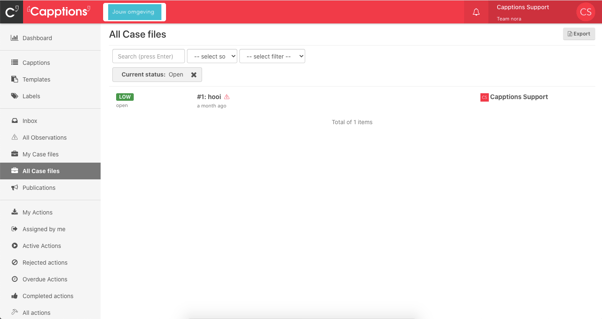
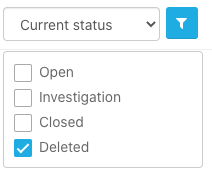
Select the Current status filter, to filter case files with the status: Deleted
Hit the Options button in the upper right corner
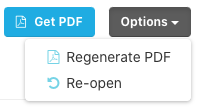
Hit Re-open to restore the case file. The case file is then available in the overview of all case files.
Was this article helpful?
YesNo
Related articles
- Creating case files from Capptions manually
- Events that trigger notifications
- Show a complete inspection in a case file
- Notification preferences
- From an observation to a case file