
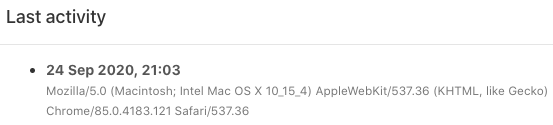
With this functionality you can see the user activity, device, browser, and the version of the app the users are using. Always make sure you have the latest version of the app for the best experience.
You can only use this functionality with the: ‘Manage Users’ permission.
- Go from your homepage to: ‘Manage Organization’ in the left sidebar.
- Hit Users to get an overview of the users and open the user.
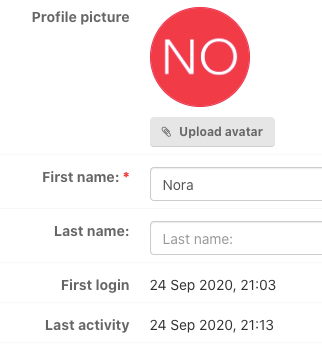
Hit: Last activity to get the following screen and information:
Was this article helpful?
YesNo
Related articles
- Password reset by admin user
- Events that trigger notifications
- Notification preferences
- Adding a user: User already exists
- Transfer Capption from user to user