
When you’ve completed a form, an e-mail is sent to you with the PDF report and download link. After 30 days the download link in the e-mail won’t work anymore and you get an error page. Don’t worry, your data is not lost!
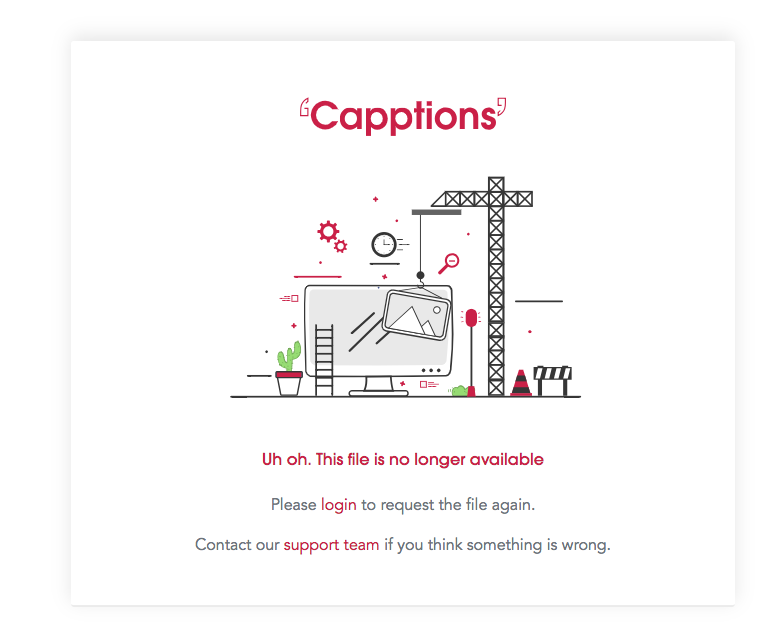
If you run into this, just follow the next steps to download your PDF report
-
Go to your environment
-
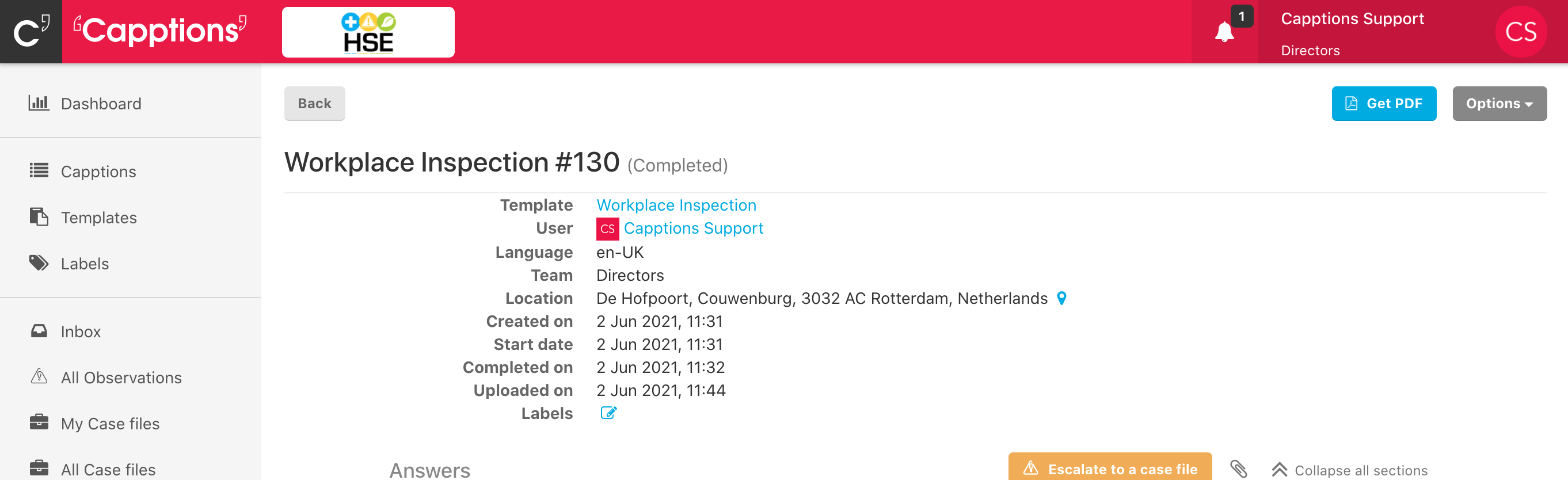
Hit on Capptions in the left bar
-
Hit the reference number
-
Click ‘Get PDF’ in the top right corner to download your report
-
Was this article helpful?
YesNo
Related articles
- Notification preferences
- My photos are not in the PDF report
- How do I delete a picture from a PDF report?
- Events that trigger notifications
- My photos are not in the report